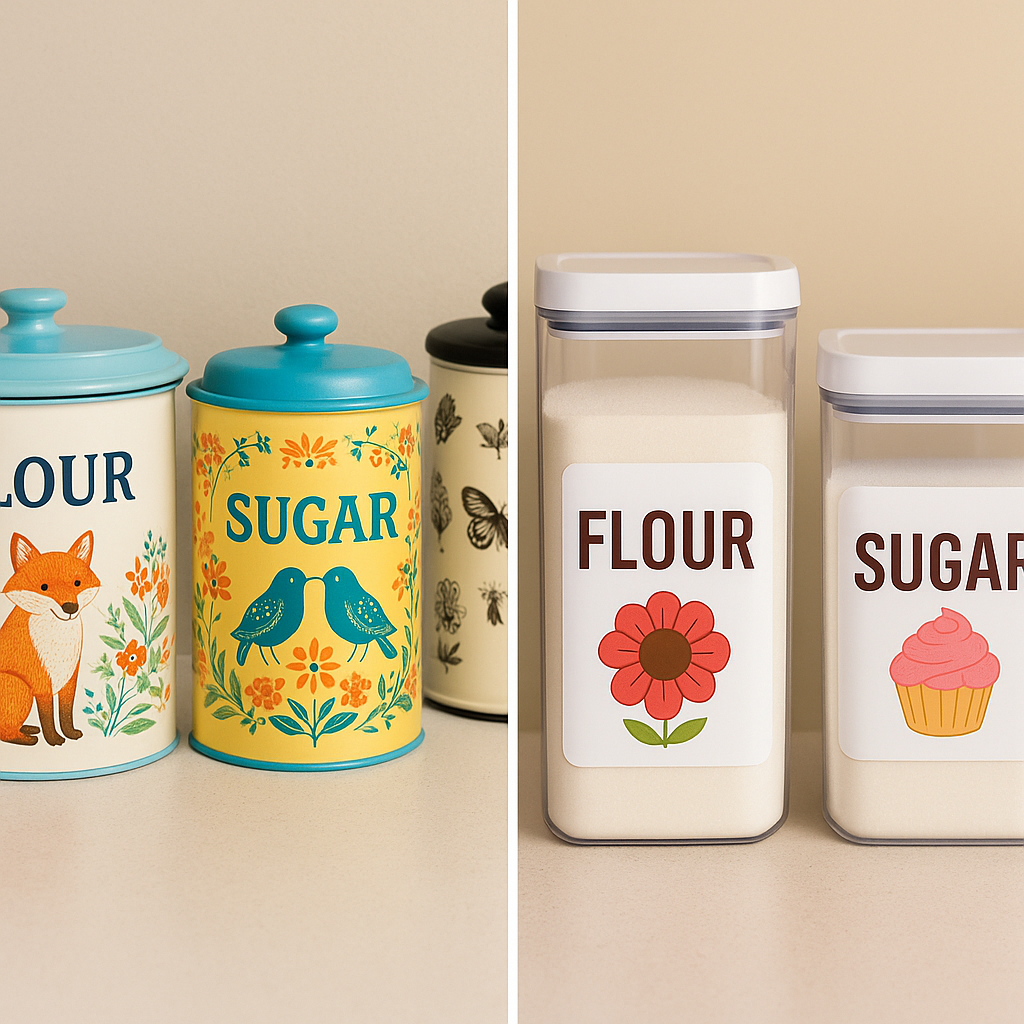
When I first started adapting to vision loss, the kitchen quickly turned into one of the most frustrating rooms in my home. I’d reach for a container of flour and wonder—was it really flour… or was it sugar again? Worse, when I grabbed the smaller baking items like baking soda, baking powder, and cornstarch, I had to rely on memory, size, or sheer luck. And as anyone who’s ever swapped salt for sugar knows… that doesn’t always end well.
🥄 My First Labeling Strategy: Size and Logic
At first, I tried to stay organized using a system that made sense—at least in theory. I chose containers based on how much of each item I typically used:
- Flour went into the biggest container.
- Sugar went into a slightly smaller one.
- Baking soda, baking powder, and cornstarch got smaller containers.
It helped a little, but I still had to double-check everything every time. That meant lifting lids, checking textures (not always helpful), or using my Reizen talking label wand to scan for the right container. The Reizen was helpful—don’t get me wrong—but I didn’t want to scan every canister every time I baked. I needed something more immediate, something visual and easy.
🏷️ My New Labeling Method: Big Text + Clear Images
That’s when I came up with a labeling method that’s simple, fun, and works at a glance. I made large-print labels with the name of each item in bold, high-contrast text. Then, I added a picture that represented the word—sometimes literally, sometimes playfully.
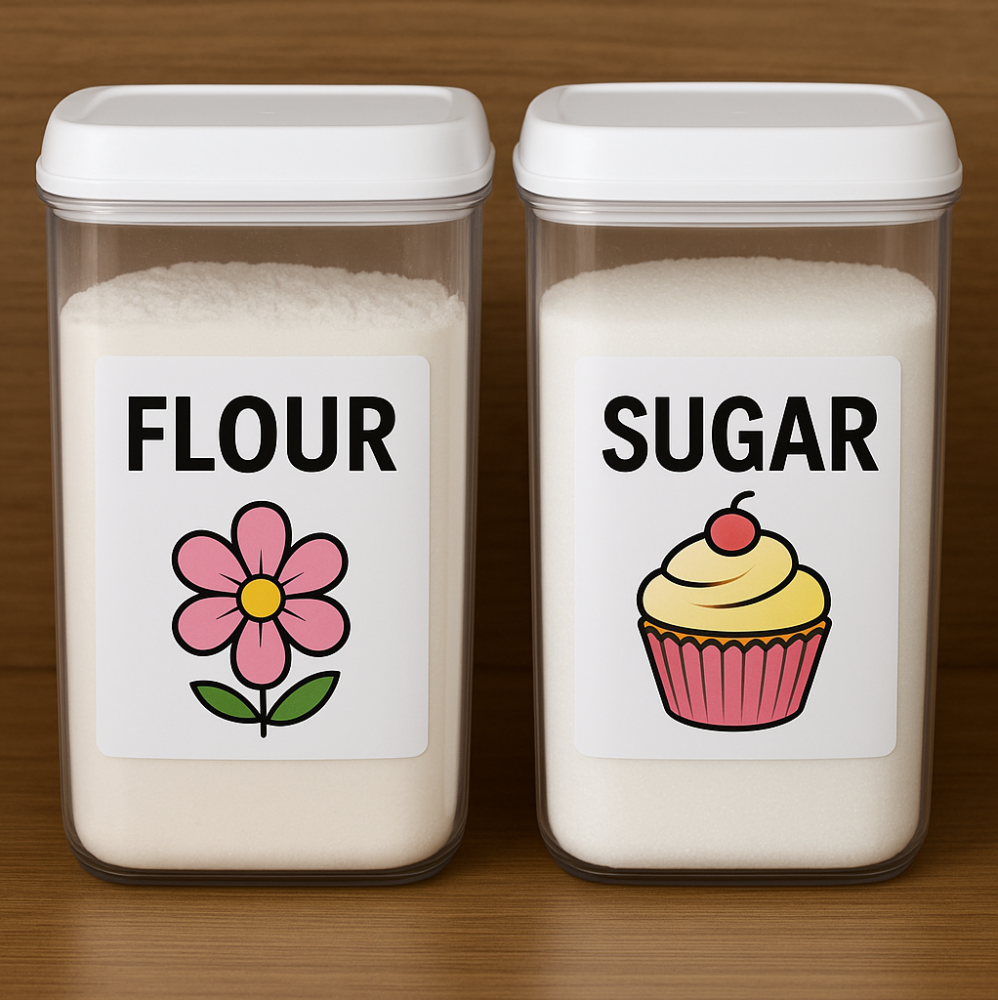 My large baking containers use big text and fun visuals to help me grab the right one every time
Here’s what I use today for my everyday baking items:
- Flour: Labeled with the word Flour and a picture of a flower 🌸
- Sugar: Labeled with Sugar and a picture of a cupcake 🧁
- Baking Soda: Labeled with Baking Soda and a soda bottle
- Baking Powder: Labeled with Baking Powder and a container of baby powder
- Corn Starch: Labeled with Corn Starch and an ear of corn 🌽
These are just clear plastic containers. I found the perfect solution on Amazon—clear plastic canisters with white lids that are easy to label and just the right size for everyday baking staples.
📸 A Look at My Canisters
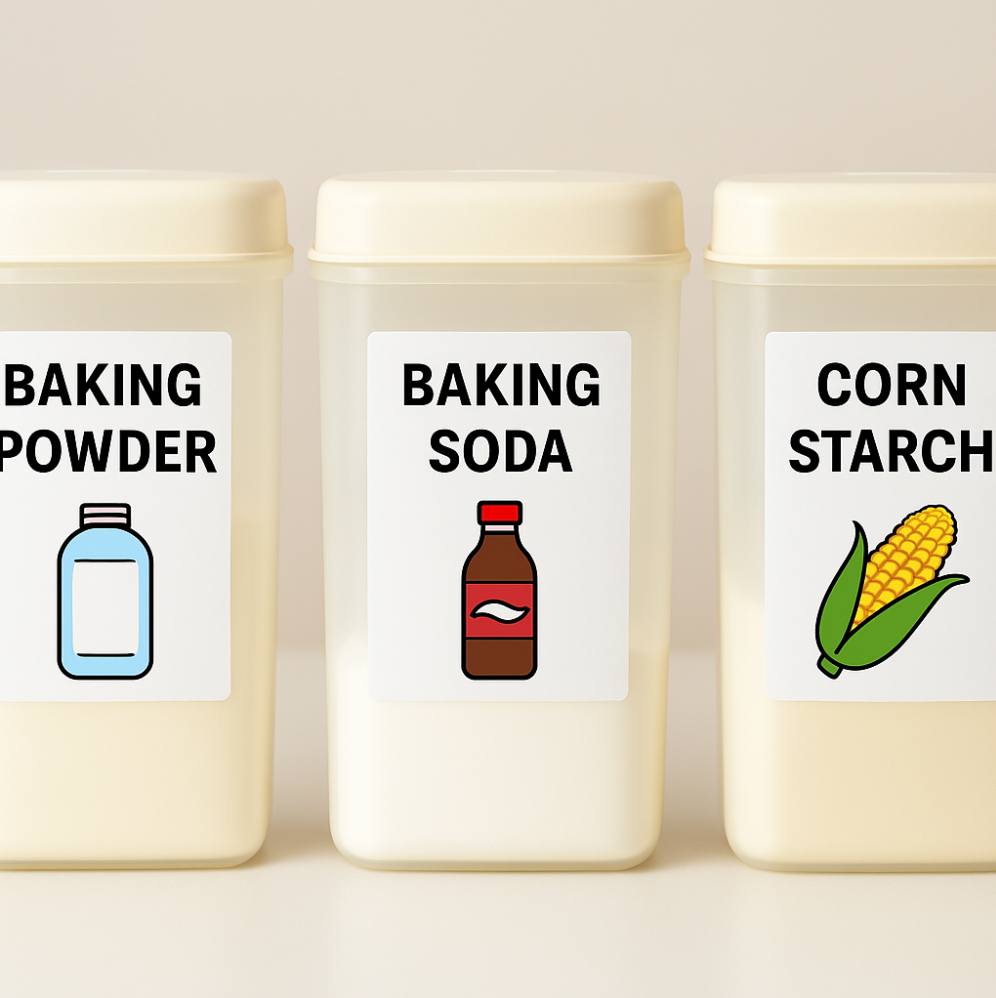 Smaller canisters get the same treatment—easy to read, and easy to laugh at.
💡 Why It Works
This method helps me recognize what I need without relying on touch, smell, or guesswork. It’s:
- Quick: No scanning or decoding necessary.
- Intuitive: The images stick in your mind—even if they’re a little silly.
- Affordable: All you need is paper, a printer, or a marker.
Plus, if you have multiple people in your household—or if grandkids like mine love to help in the kitchen—it’s a win for them too.
“My grandkids were too young to read, but these labels let them ‘help’ by finding the right container for Grandma. They loved it, and I loved the extra set of hands.”
🛠 Tips to Create Your Own
You don’t need fancy equipment to make this work. Here’s how to get started:
- Use white sticker labels, cardstock with tape, or even index cards.
- Choose bold, high-contrast fonts in at least 28–36 pt.
- Use clipart or simple icons that match the product or rhyme with it.
- Laminate the labels if you’re worried about spills (optional but helpful).
- Make sure the image is large enough to see without squinting.
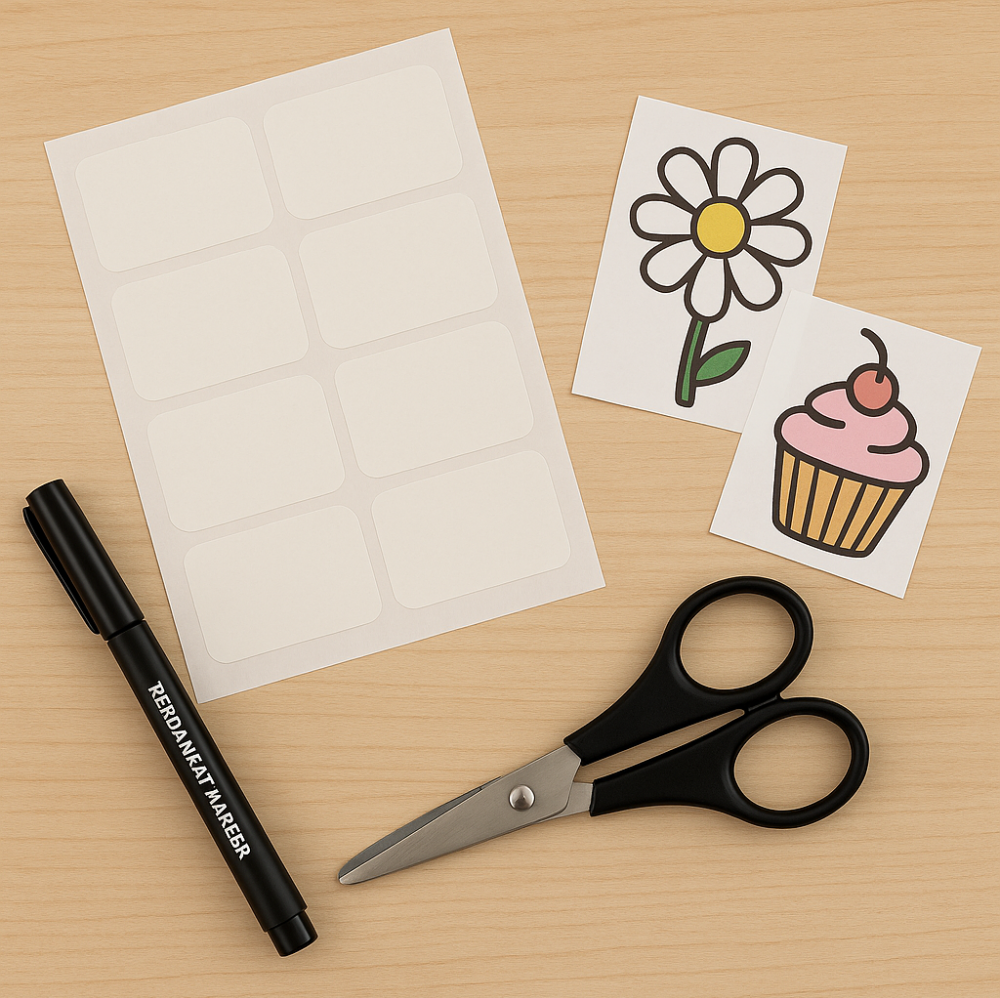 Creating custom labels is simple with basic tools like markers, stickers, and printed images that match each item.
If you prefer, you can create your labels digitally and print them out using your computer or even label-making apps.
🧁 It Doesn’t Have to Be Fancy
Vision loss has changed how I work in the kitchen—but it hasn’t changed why I bake. I still love to stir, measure, and sneak a taste of cookie dough. I just do it with a few more adaptations than I used to.
This labeling system isn’t fancy. It isn’t high-tech. It’s just smart. It’s the kind of trick that makes daily life easier, and that’s what adapting is all about.
I’ve explored a few different labeling tools and techniques over the years—including talking label systems like the Reizen Wand. If you’re interested in more ideas, check out my post on Labeling and Organization Tools That Actually Work for visually impaired users.